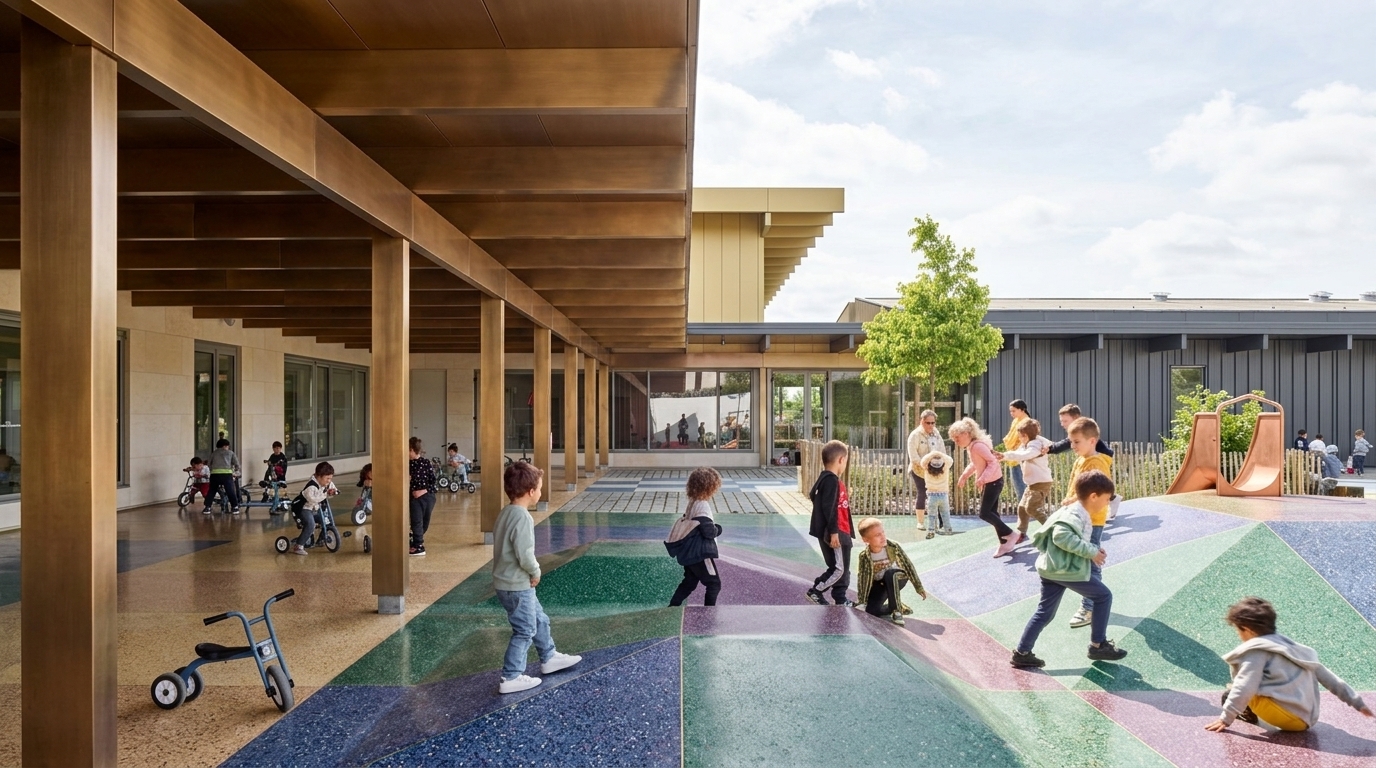
Add People to Your Renders in Seconds.
Draw a frame, set the role, action, and wardrobe — ReRender AI generates photorealistic people that blend naturally into any architectural or interior scene. Scale is inferred automatically. No compositing, no Photoshop required.
Try Add People FreeTrusted by studios who bring spaces to life
Architecture and interior design studios worldwide use ReRender AI to populate their renders with photorealistic people — without Photoshop, compositing, or extra software.
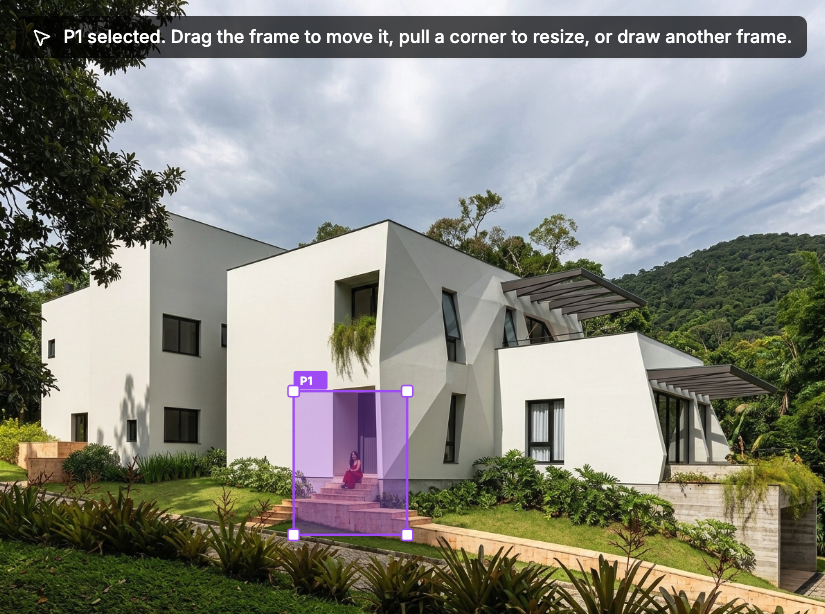
Draw a Frame. Configure the Person. Generate in Seconds.
Select any area in your render and draw a frame — scale is inferred automatically. Configure the role, wardrobe style, color palette, and identity, then generate a photorealistic person that blends into your scene as if they were always there. No compositing, no post-production, no extra software required.
Three Steps to a Populated Scene
No Photoshop, no compositing, no extra software. Just draw, configure, and generate — your scene comes to life in seconds.
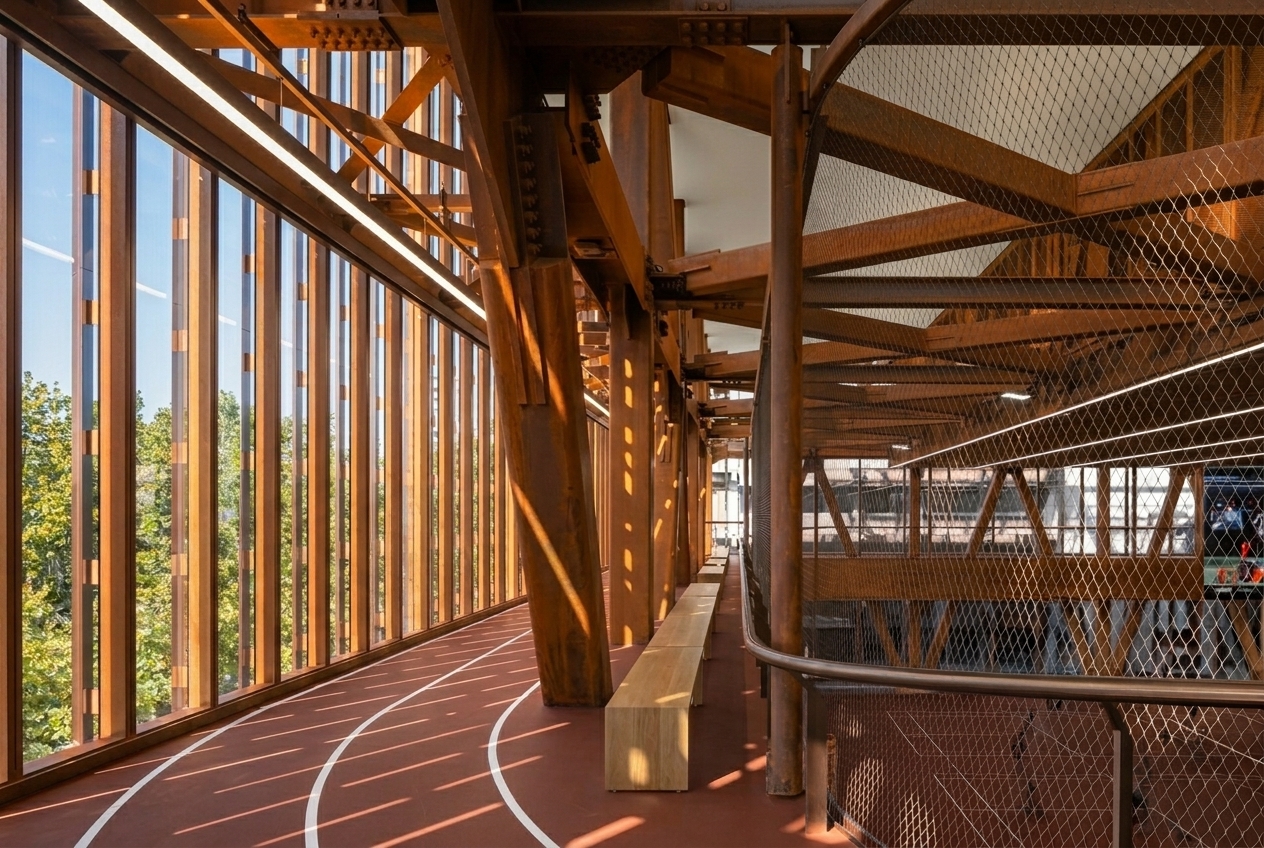
Draw a Frame
Select any area in your render where a person should appear. Scale and proportion are inferred automatically from the frame you draw.
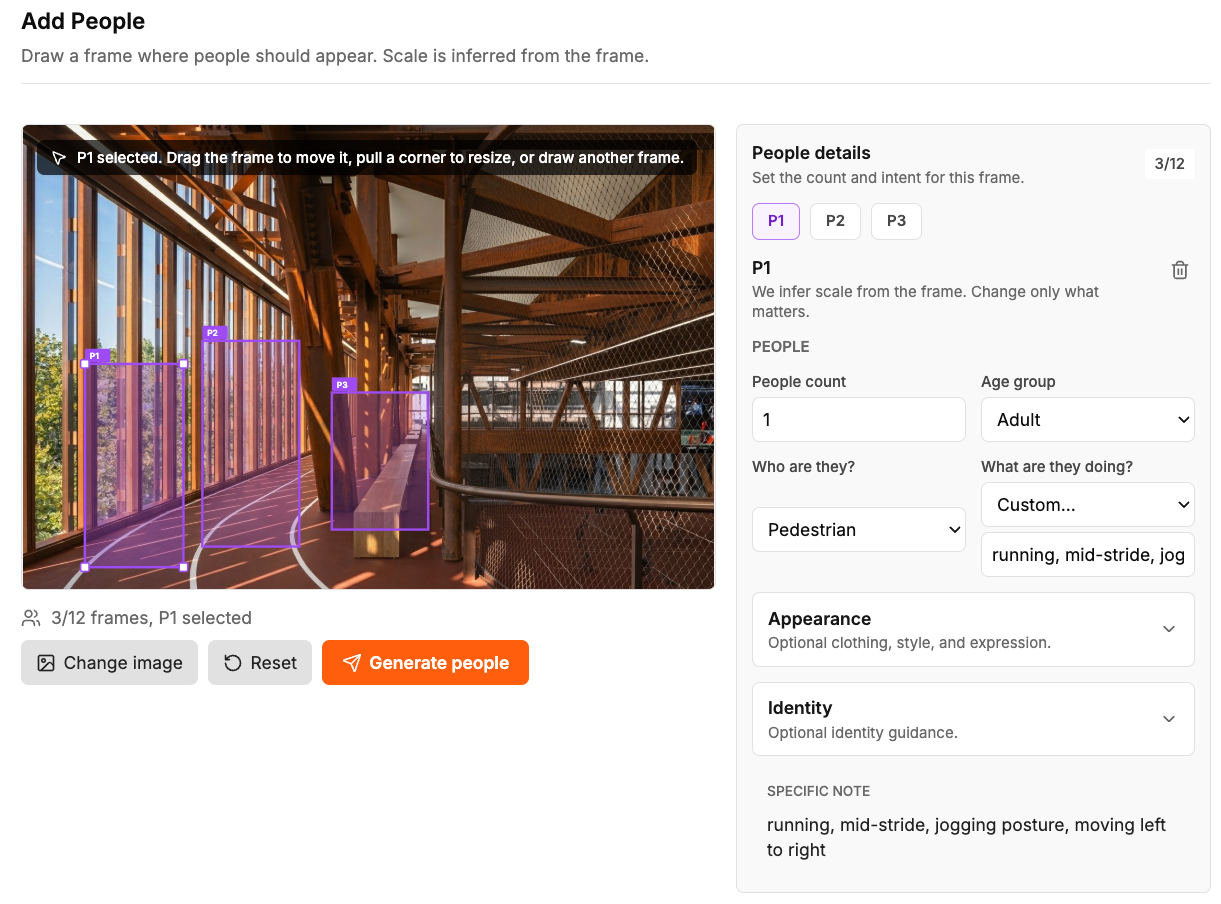
Configure the Person
Set the role, action, wardrobe style, color palette, mood, and identity. Every detail is adjustable to match your scene and presentation needs.
Generate and Export
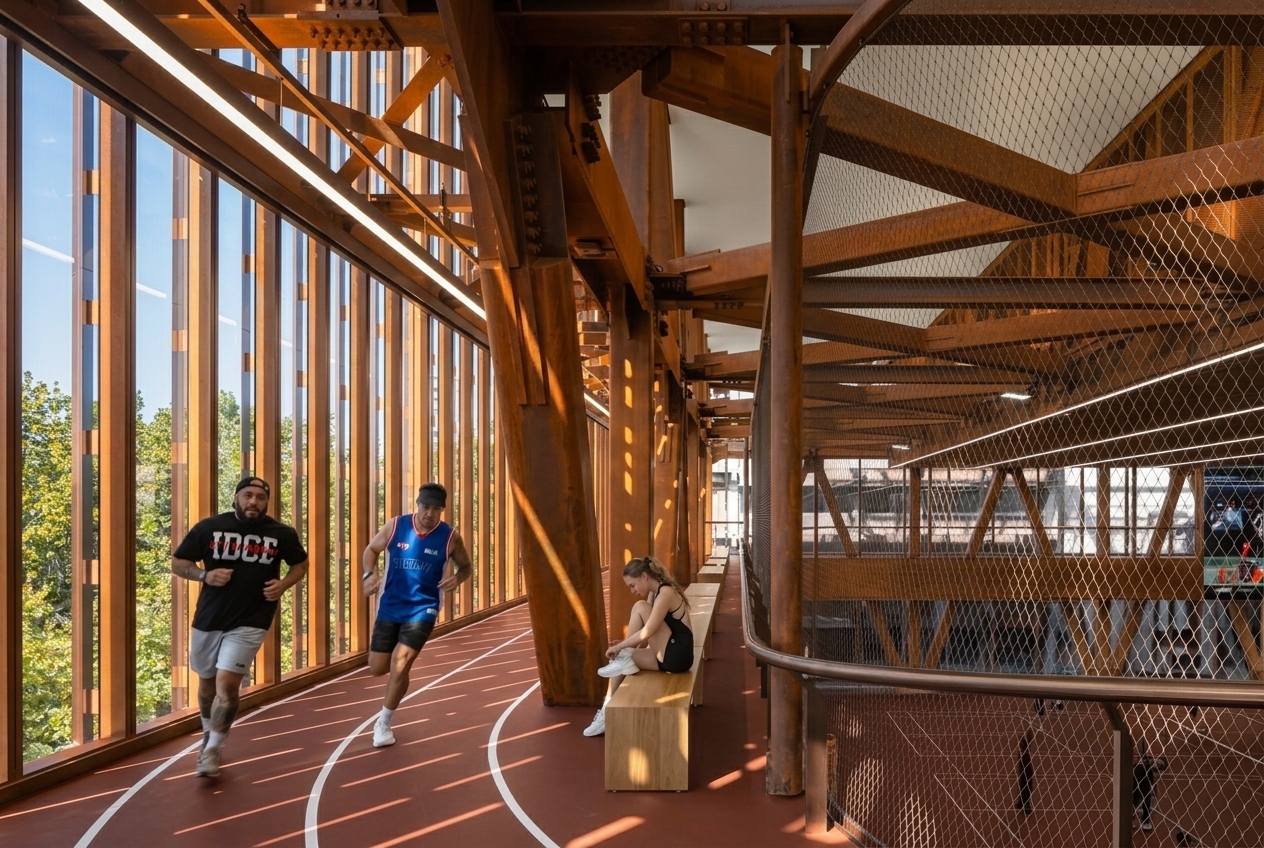
ReRender AI places a photorealistic person that blends naturally into your render. Export your 4K result and present directly to clients.
Full Control Over Every Person in Your Render
From a single pedestrian to a fully inhabited space — every setting is designed to give you precise control over who appears, where, and how.
Control Who's in the Scene
Set the number of people, age group, role, and action. From a resident walking through to a hotel guest checking in — every figure is configured to match the context of your space.
Style Every Detail of Their Look
Choose wardrobe style, color palette, mood, and rendering style. From natural realistic to soft motion blur — every appearance detail is tailored so each person feels native to your design.
Define Who They Are
Specify gender, ethnicity, and add a specific note for further customization. Every person is configurable to reflect the diversity and identity that fits your project.
Every Space, Brought to Life
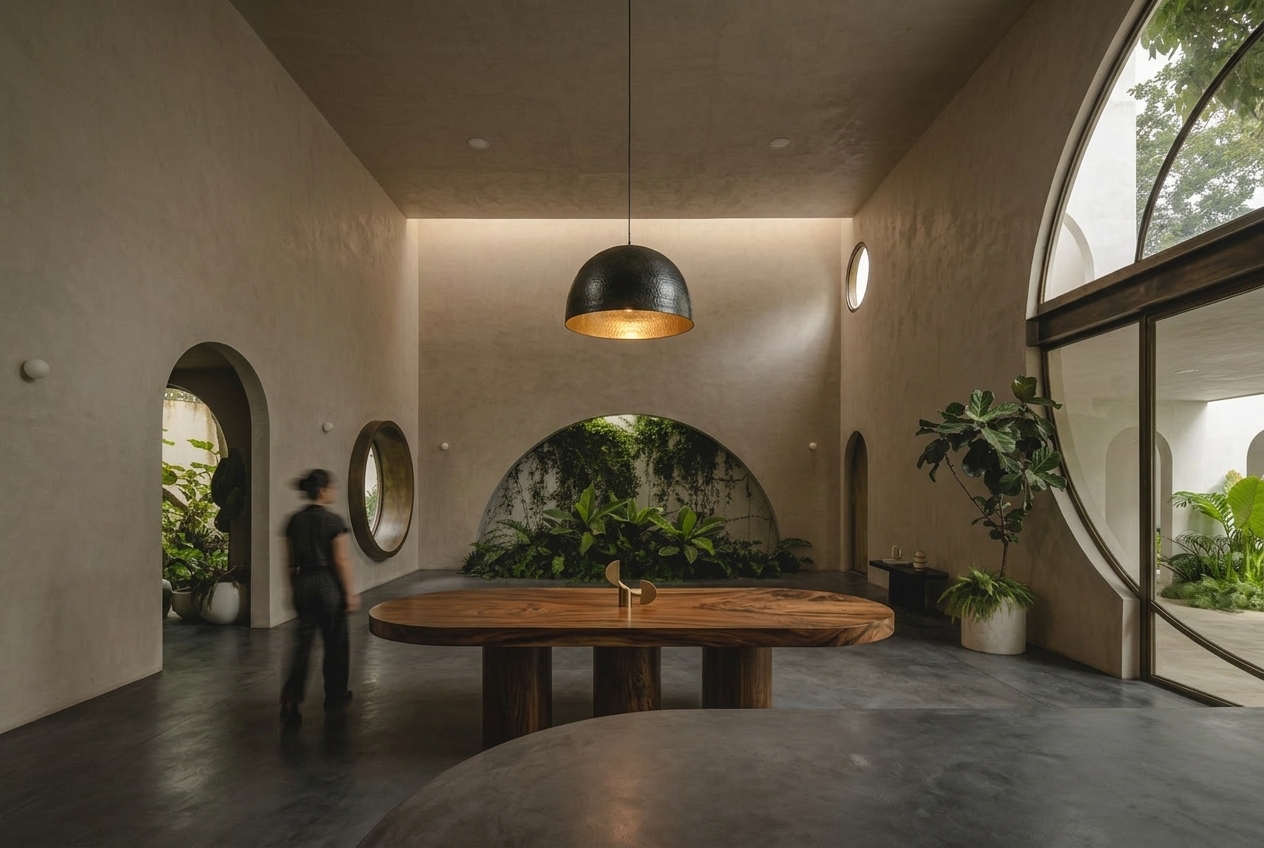
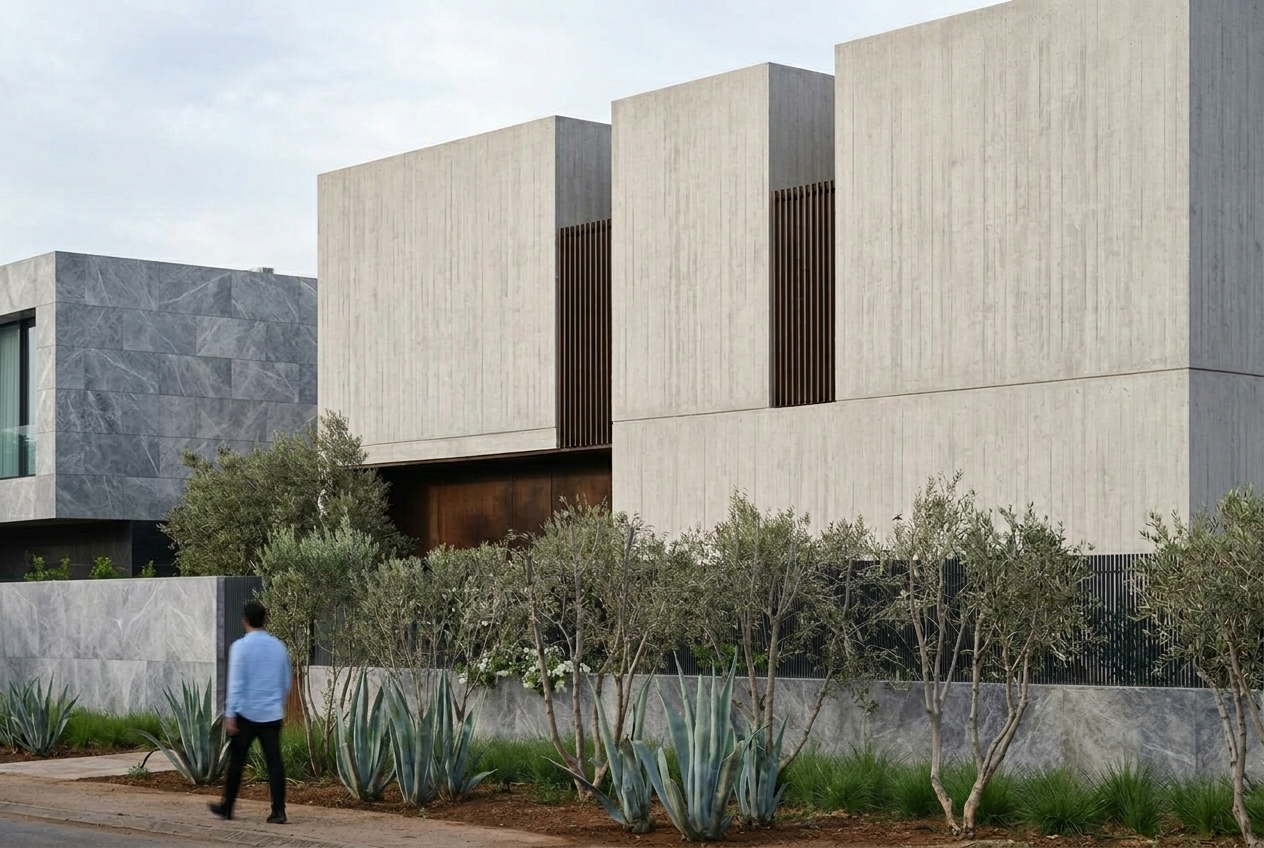
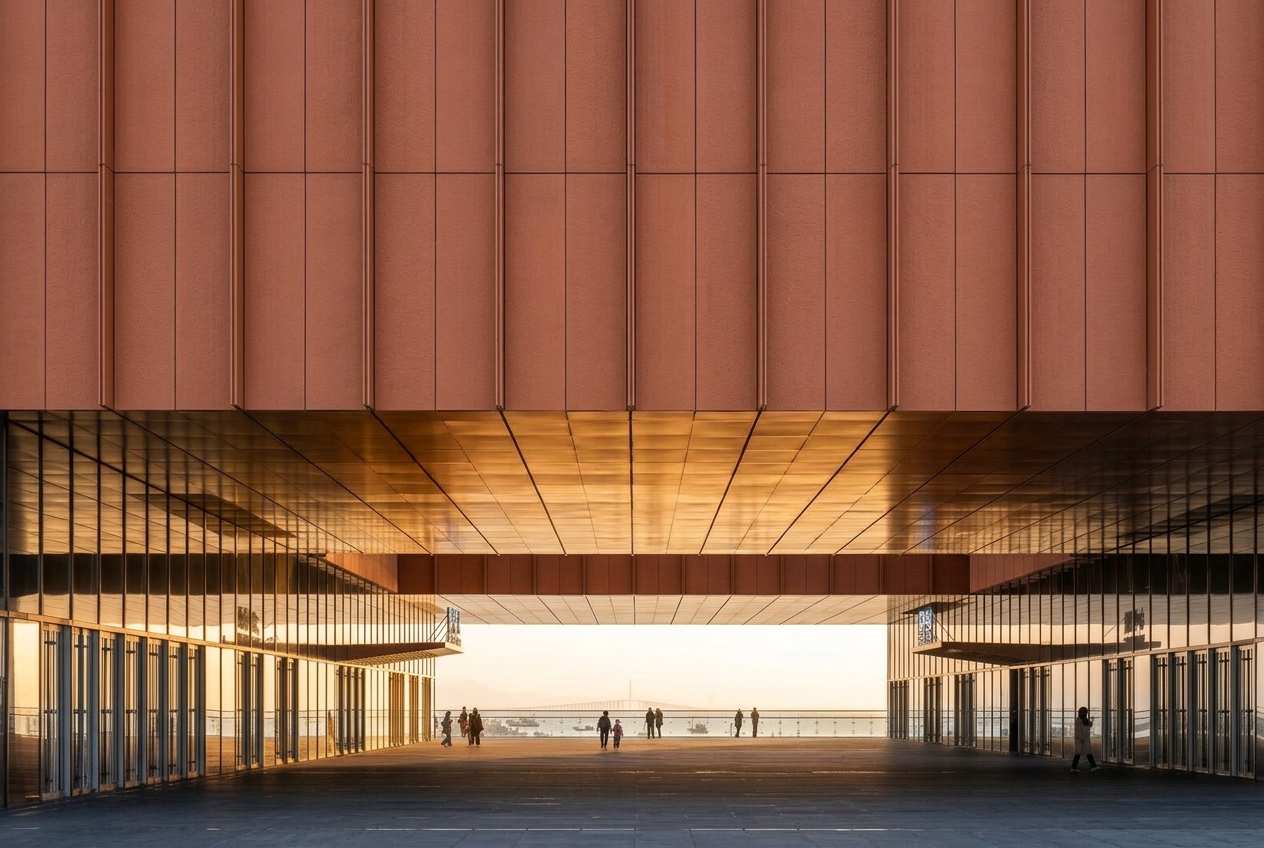
From residential interiors to commercial exteriors — see how Add People transforms empty renders into inhabited, presentation-ready scenes across every space type.
Questions
Frequently Asked Questions
What types of spaces does Add People work with?
Add People works with any architectural or interior render — residential, commercial, hospitality, office, retail, and more. If you can upload it, you can populate it.
Can I add multiple people to one render?
Yes. You can draw multiple frames in a single render, each with its own role, wardrobe, identity, and action settings.
Is Add People available on all plans?
Add People uses credits. Every free account gets 3 credits per day — each generation uses one credit. Upgrade to a paid plan for unlimited credits and unlimited generations.
Start Adding People to Your Renders
Draw a frame, configure the person, and generate a photorealistic result in seconds. Try Add People free — 3 credits every day, no commitment required.
Try Add People Free