AI interior rendering
Your design, layout, and materials stay the same. Get realistic light and texture in the finished image.
Sign in to upload your images and use the tool.
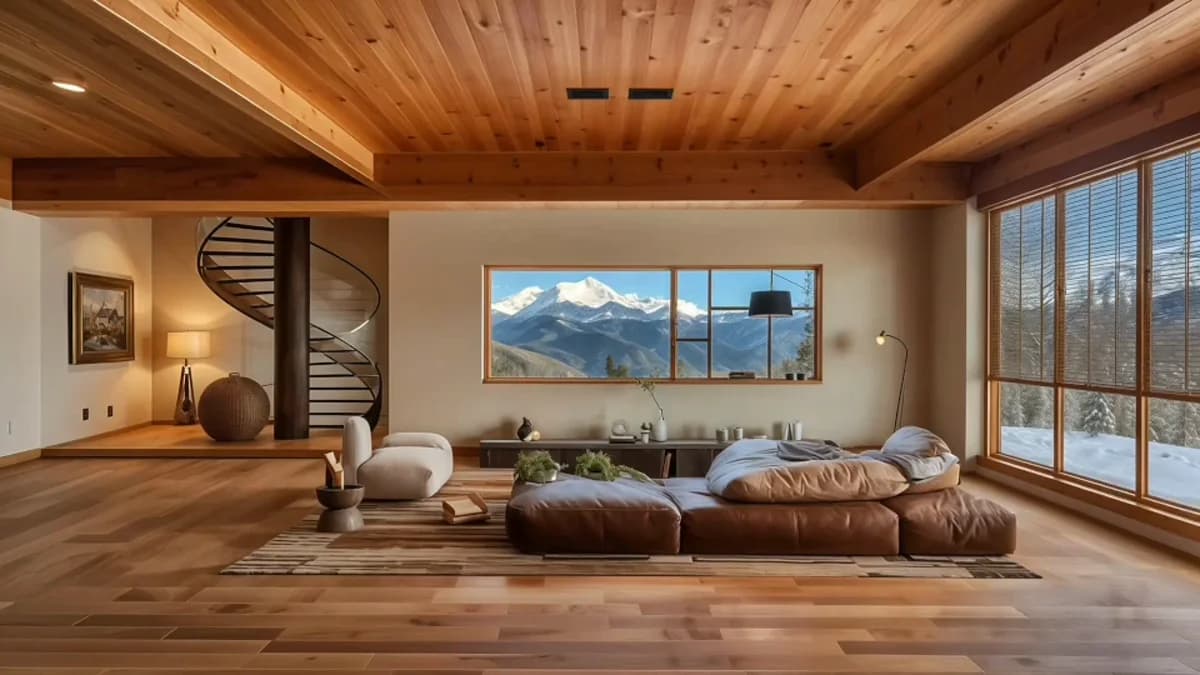
How it works
Supported formats: JPG, JPEG, PNG
Upload a 3D screenshot, photograph, or render of your design.
Use the rendering tool to add realistic light and texture while keeping your design and materials.
Create the image, review the result, and download it. Use the editing tools for any changes you want to make.
Common questions
What should I upload?
Use a clear screenshot of your 3D model or an existing render. Keep the design, materials, and camera view visible in the source image.
Will rendering change my design or materials?
No. Your model’s shape, proportions, layout, and materials stay the same. You get a photorealistic render. To change materials or style, use the editing tools. To add furniture, use virtual staging.
Can I use images from my design software?
Yes. Export a model view from SketchUp, Revit, Blender, or your other design software as a JPG or PNG. Upload the image, rather than the 3D project file. Choose the camera view you want in the finished render.
Explore more tools
Your interior design, faithfully rendered.
Sign in to upload your images and use the tool.